How to Download a Twitter Video
1
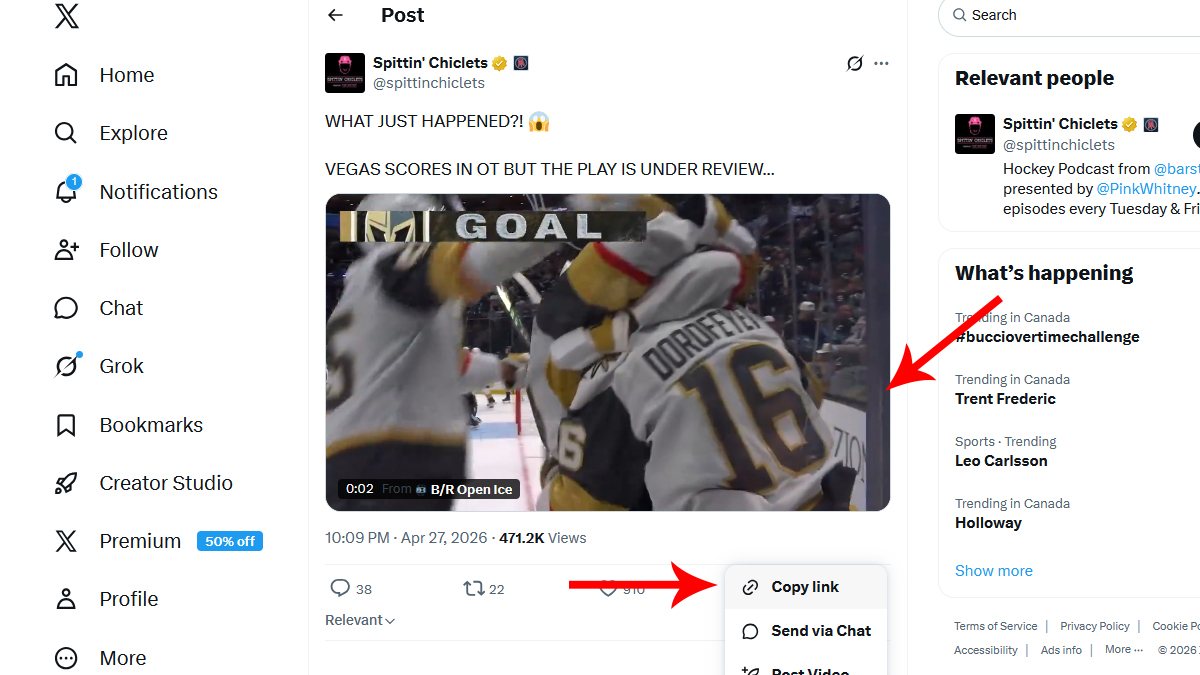
Copy the Tweet Link
Tap on the Share icon below the Tweet. Tap on Copy Link from the list of options.
2
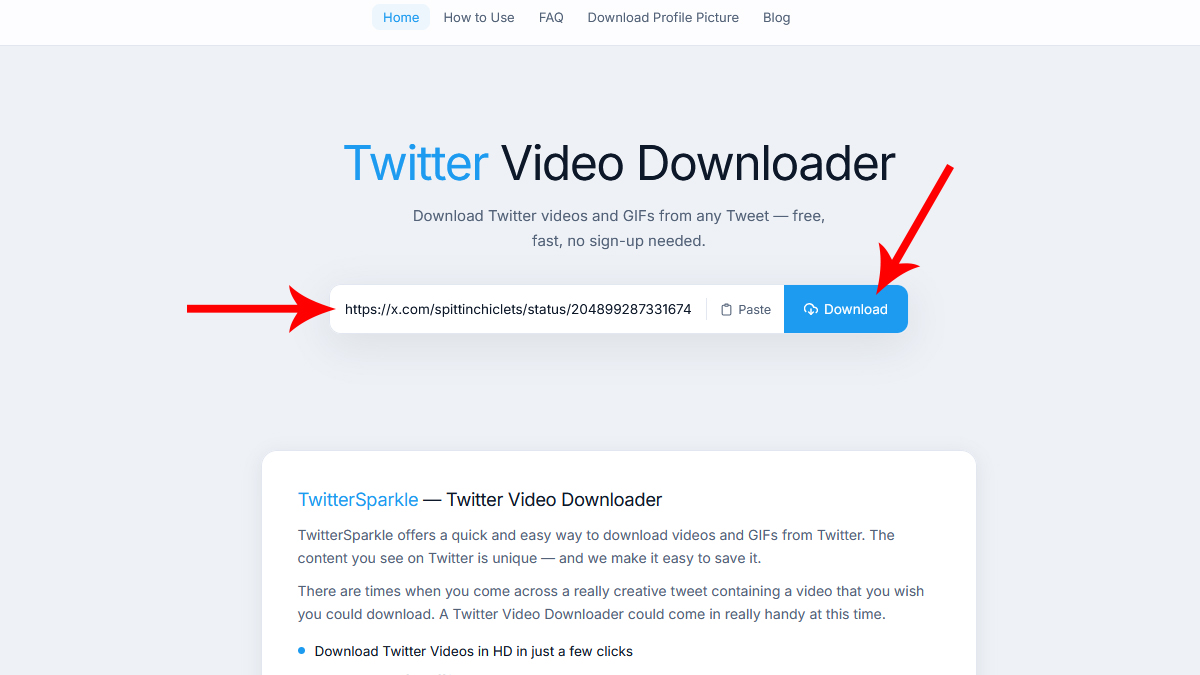
Paste the Tweet Link
Paste the copied link into the field above and click on the Download button.
3
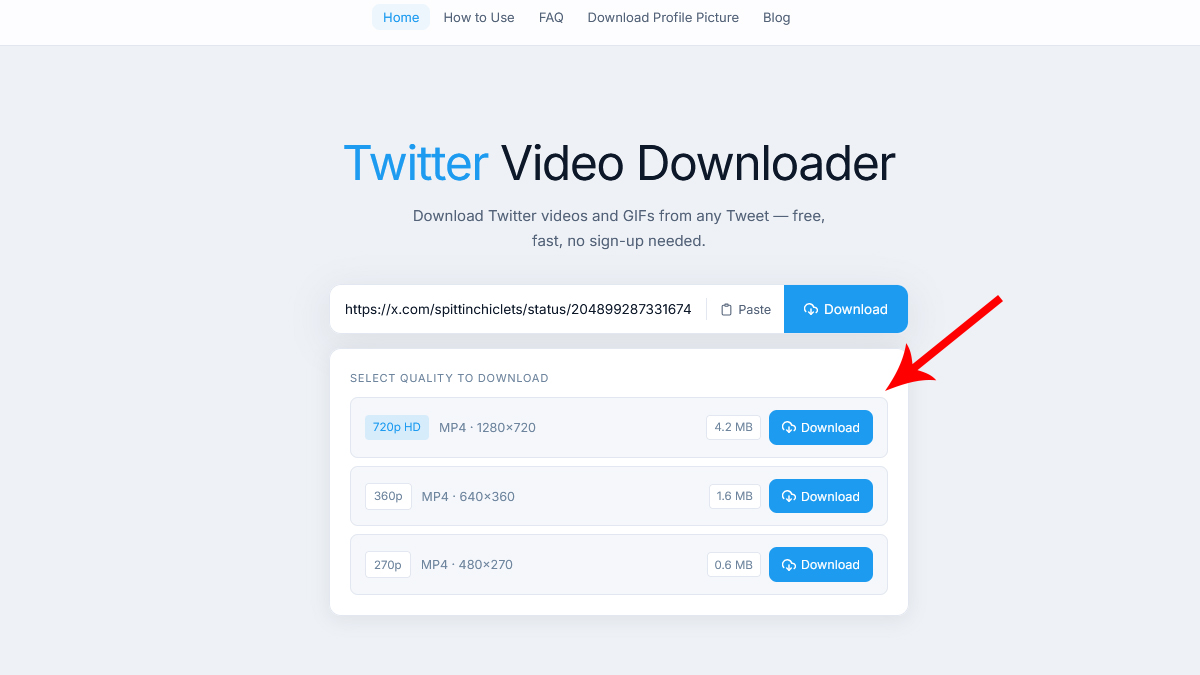
Download the Video
Choose your resolution and click on the Download button to download the video.
Tips for Best Results
- Always use the full tweet URL including https://
- Both twitter.com and x.com links are supported
- Private tweet content cannot be downloaded
- For best quality, always choose the highest resolution option